About
Page and navigation
Photo downloads
Enabled by default in photo galleries. You can change this for each photo below. Cover images have no download button.
Production links
Link this page to a production to show Video, Photo, Press and Next Show buttons.
Cover image

Selected worlds — featured productions
Choose the productions for About, change their photos and use the arrows to reorder them. Then click Save online.
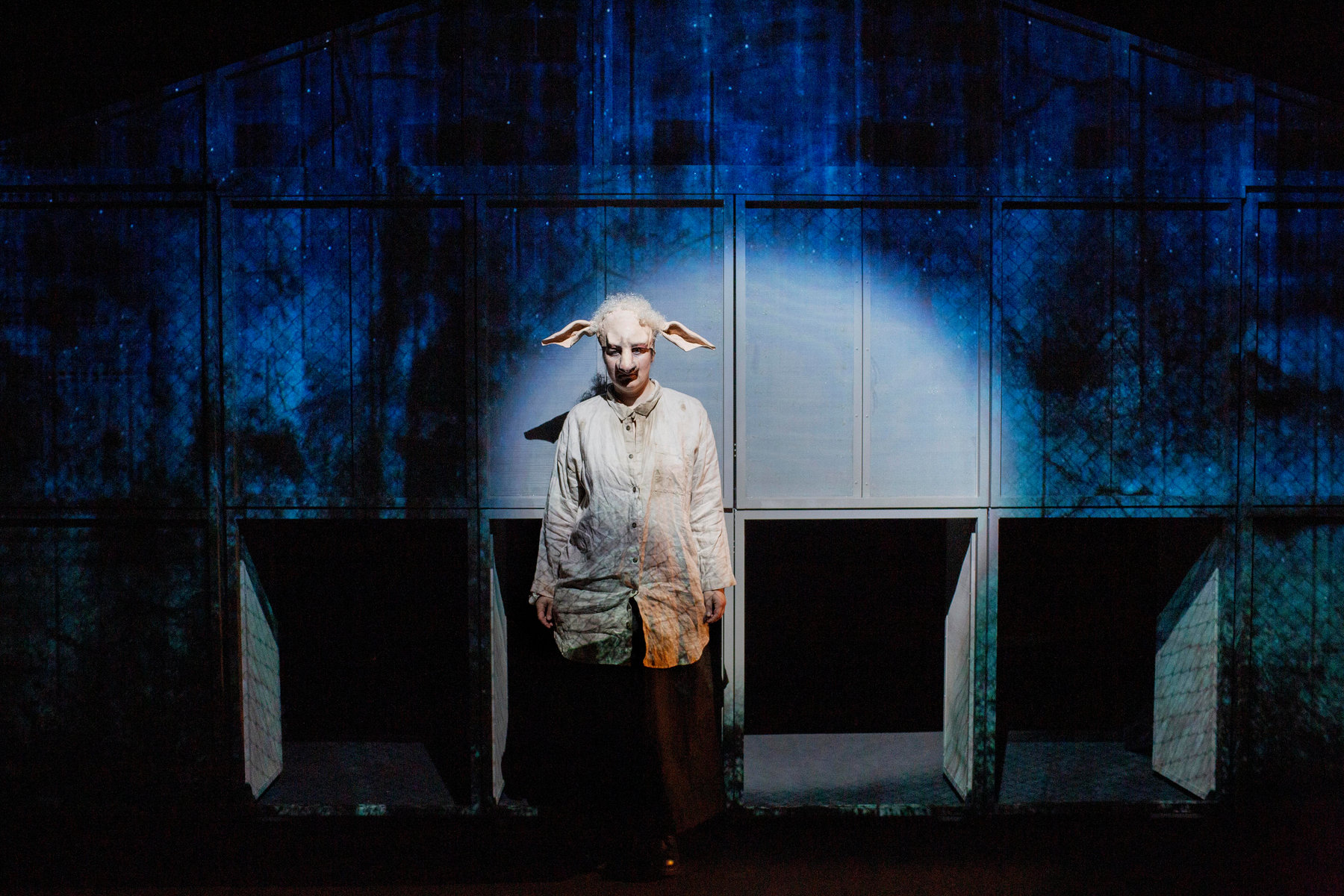
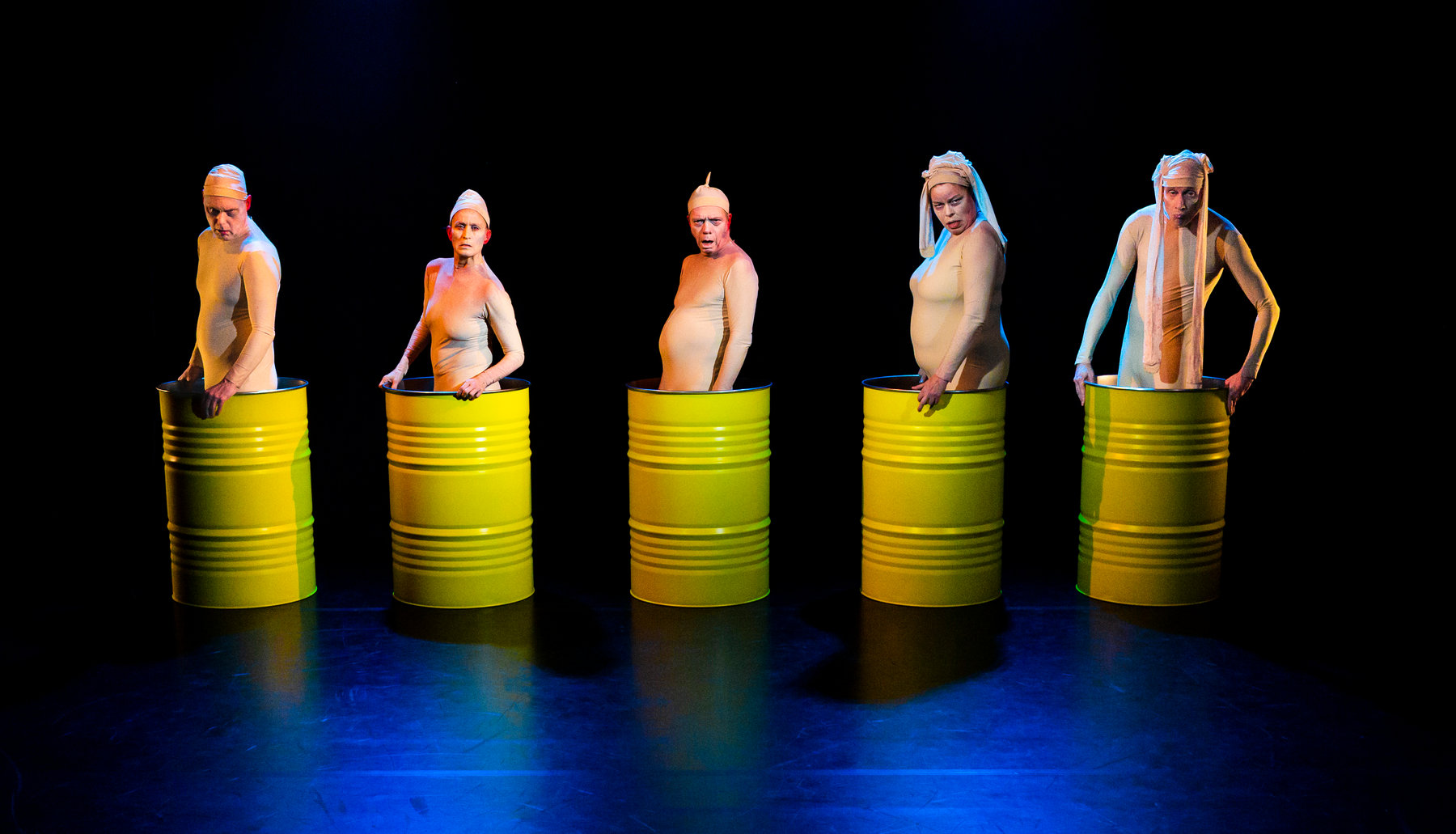
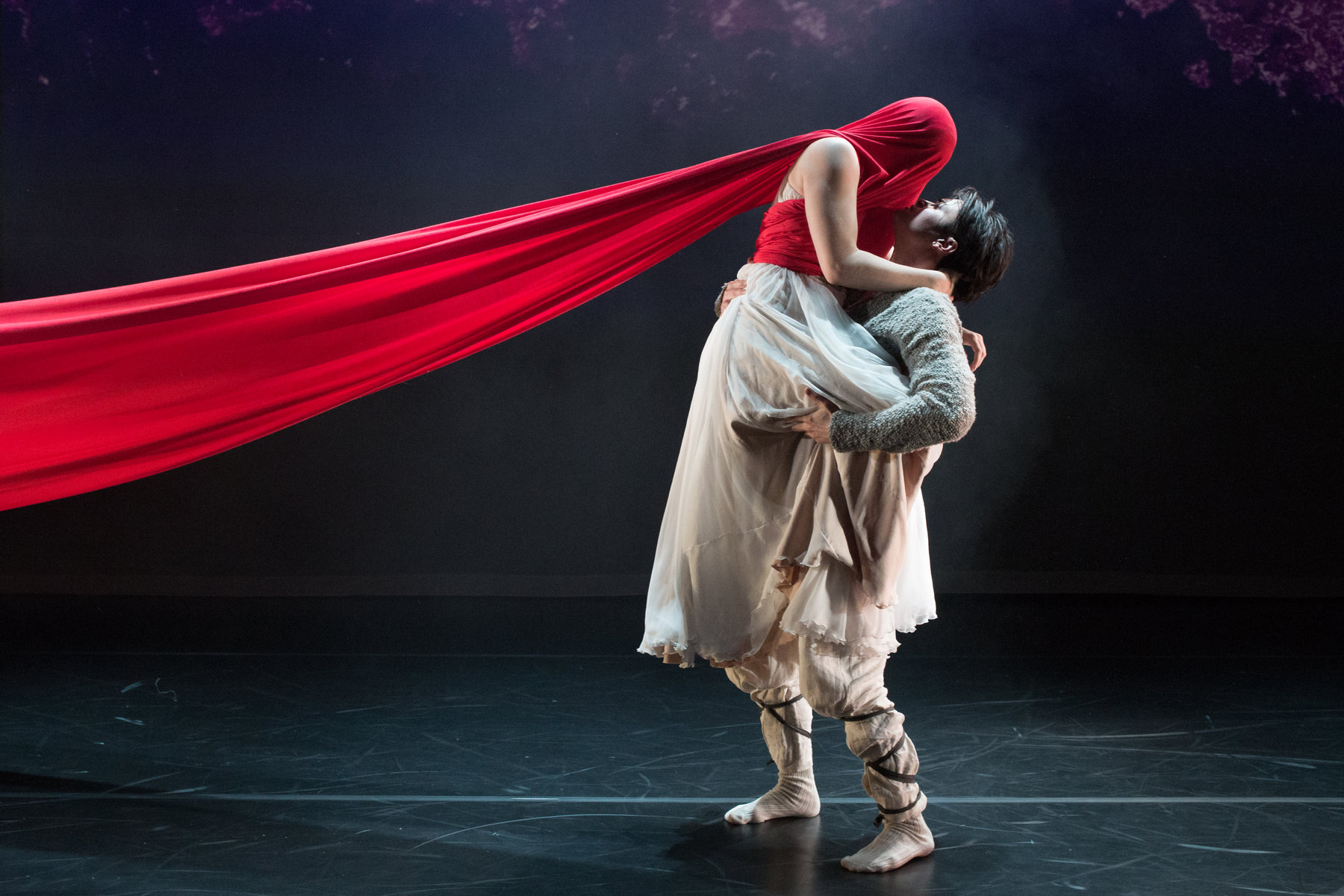
Add photos
Select one or more photos. Upload them together, reorder them and choose which can be downloaded. JPEG, PNG, WebP or GIF, up to 15 MB per photo.
Page content
6 blocksClick in the text to write. Select a word and click Bold or Italic, or open Color. Size changes selected text; with no selection it changes the whole block. Spacing respects Apply to: Selected text or Whole text box. Line spacing affects selected paragraphs; Letter spacing affects selected words. Alignment applies to the text box.
Click in the text to write. Select a word and click Bold or Italic, or open Color. Size changes selected text; with no selection it changes the whole block. Spacing respects Apply to: Selected text or Whole text box. Line spacing affects selected paragraphs; Letter spacing affects selected words. Alignment applies to the text box.
Click in the text to write. Select a word and click Bold or Italic, or open Color. Size changes selected text; with no selection it changes the whole block. Spacing respects Apply to: Selected text or Whole text box. Line spacing affects selected paragraphs; Letter spacing affects selected words. Alignment applies to the text box.
Click in the text to write. Select a word and click Bold or Italic, or open Color. Size changes selected text; with no selection it changes the whole block. Spacing respects Apply to: Selected text or Whole text box. Line spacing affects selected paragraphs; Letter spacing affects selected words. Alignment applies to the text box.
Click in the text to write. Select a word and click Bold or Italic, or open Color. Size changes selected text; with no selection it changes the whole block. Spacing respects Apply to: Selected text or Whole text box. Line spacing affects selected paragraphs; Letter spacing affects selected words. Alignment applies to the text box.
Click in the text to write. Select a word and click Bold or Italic, or open Color. Size changes selected text; with no selection it changes the whole block. Spacing respects Apply to: Selected text or Whole text box. Line spacing affects selected paragraphs; Letter spacing affects selected words. Alignment applies to the text box.